
WordPress software is mega-popular around the globe. The developers
like to call it free, yet priceless at the same time. You can use it to
create a beautiful website, blog, or app. Did you know that WordPress
now powers over 25 percent of the Internet’s web sites?
Look at the table below—it lets you compare the popularity of WordPress CMS with other powerful engines.
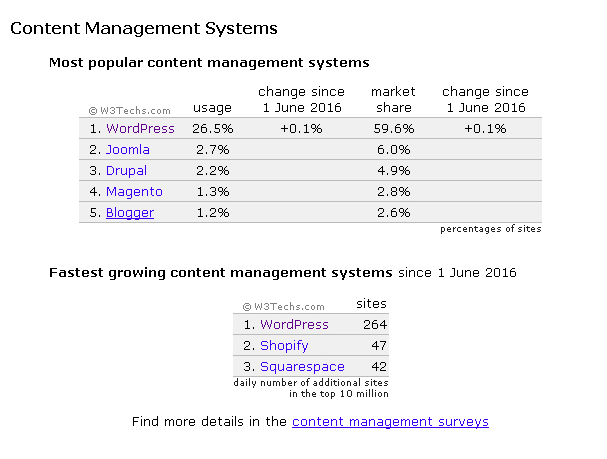 Don’t you think that controlling more than half of the market share is impressive? To be fair, we should note that WordPress hasn’t grown much in terms of market share over the past few years. However, the general trend for WordPress has been slow but steady growth.
From the title of this blog post, you will already have understood that we are going to talk about WordPress web design trends. By the way, each trend will be illustrated by a live website, free or premium theme. So you will have the possibility of being inspired—if you came here for inspiration only—or pick out a good-looking WordPress design for your website, either paid or free.
Why do we need to follow all those changeable trends when designing our websites? Because we want to make them memorable, modern and stylish, which will surely boost their conversion rates!
Ok, are you ready for a brief WordPress web design trends review? Then here we go!
Bettaso
StanleyWP
Wrk.
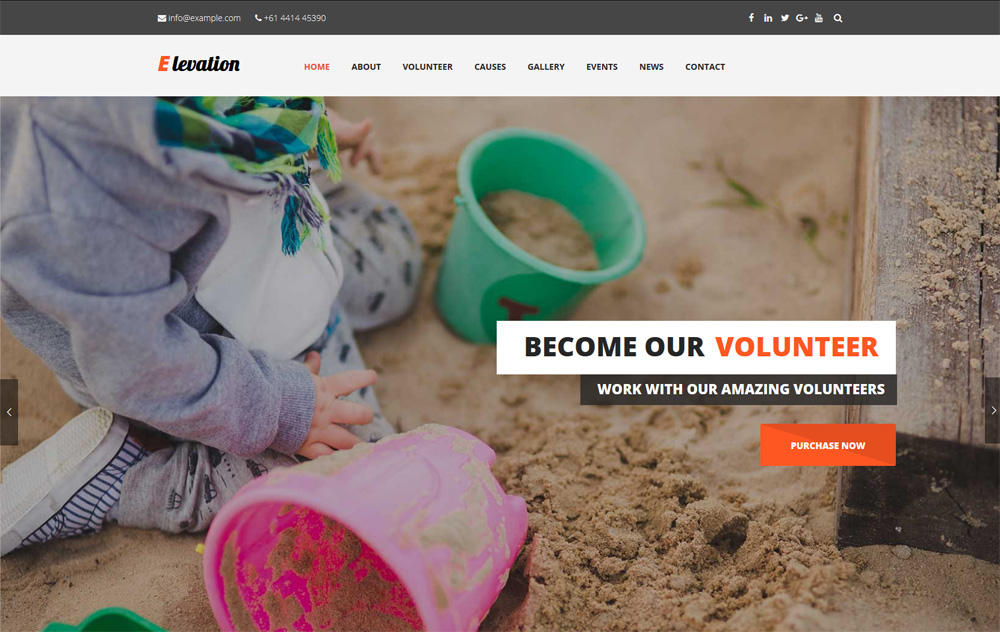
Elevation
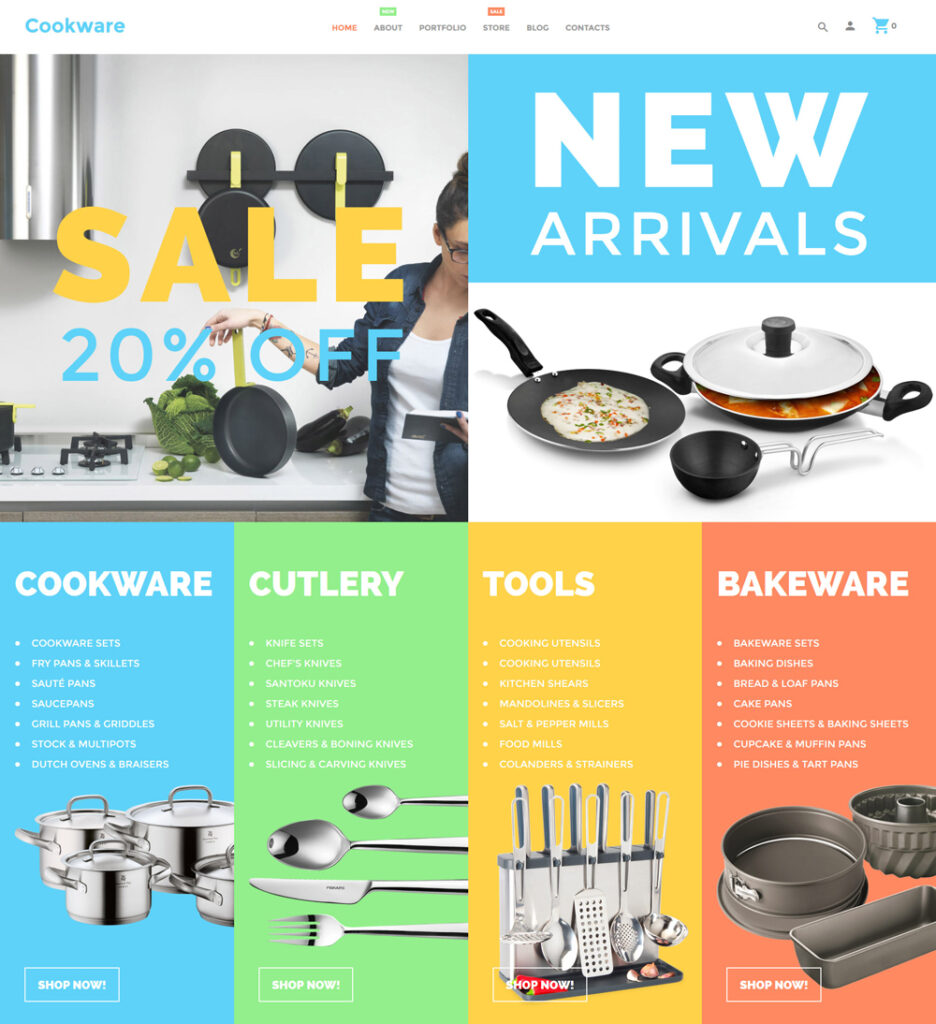
Cookware WooCommerce Theme
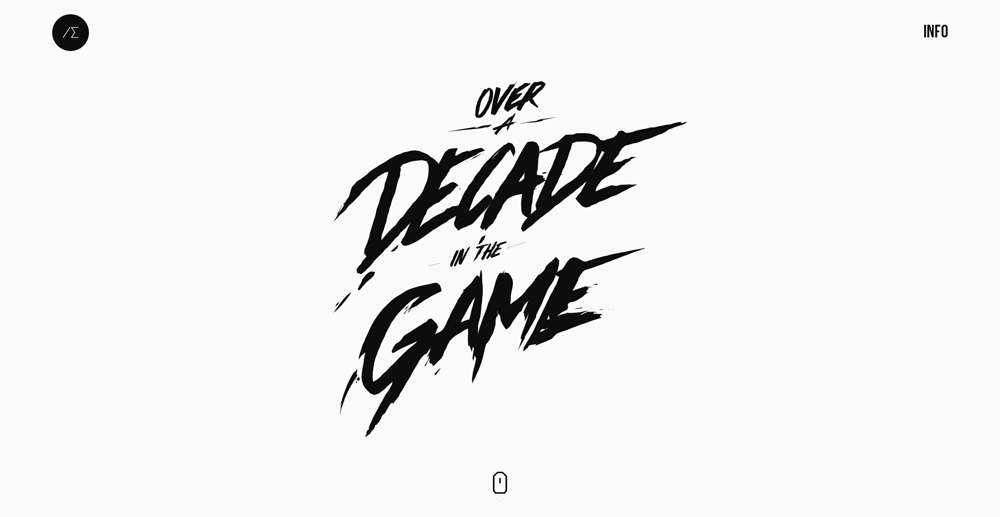
Alexander Engzell
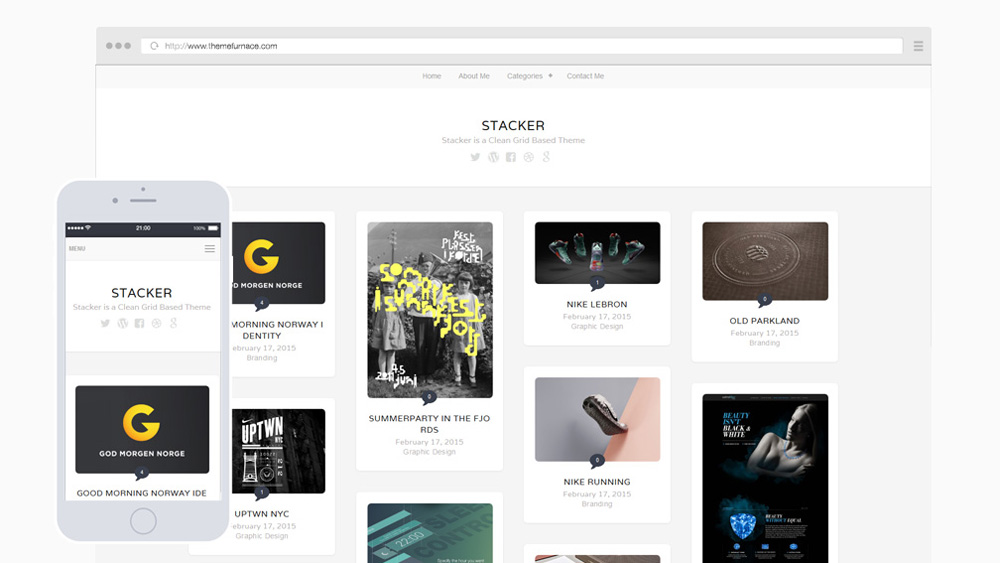
Stacker Lite
Orange You Glad
Mama
Cherry Framework Free WordPress Theme
Box
Worlds Apart
Look at the table below—it lets you compare the popularity of WordPress CMS with other powerful engines.
Image source: https://w3techs.com
From the title of this blog post, you will already have understood that we are going to talk about WordPress web design trends. By the way, each trend will be illustrated by a live website, free or premium theme. So you will have the possibility of being inspired—if you came here for inspiration only—or pick out a good-looking WordPress design for your website, either paid or free.
Why do we need to follow all those changeable trends when designing our websites? Because we want to make them memorable, modern and stylish, which will surely boost their conversion rates!
Ok, are you ready for a brief WordPress web design trends review? Then here we go!
Parallax scrolling effect
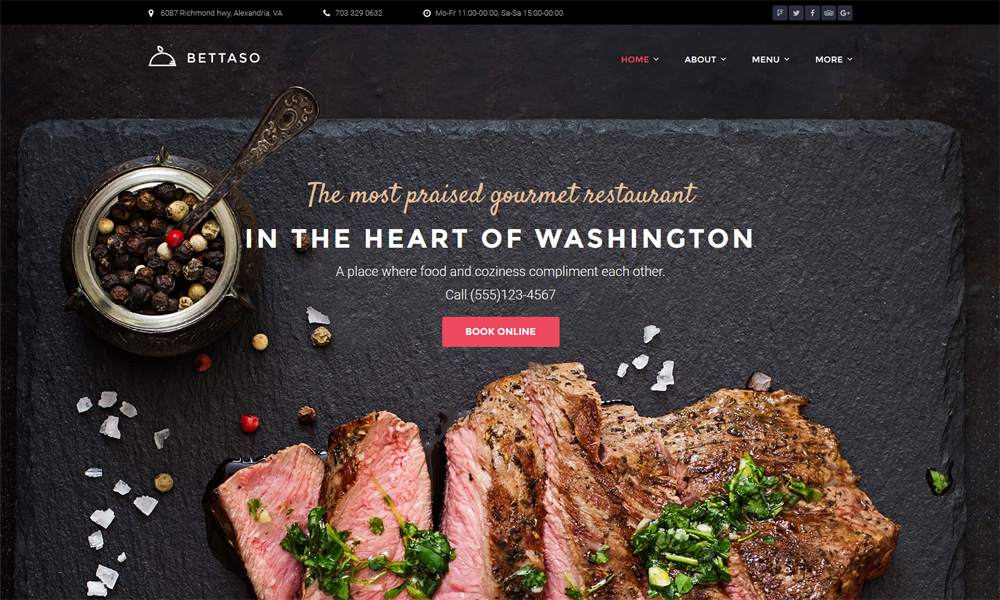
This is a special technique in computer graphics and web design, where background images move by the camera slower than foreground images, creating an illusion of depth in a 2D scene and adding to the feeling of being immersed in the site. The objects and virtual environments on the screen look much more appealing and realistic, so users love websites with parallax.Bettaso
Flat design
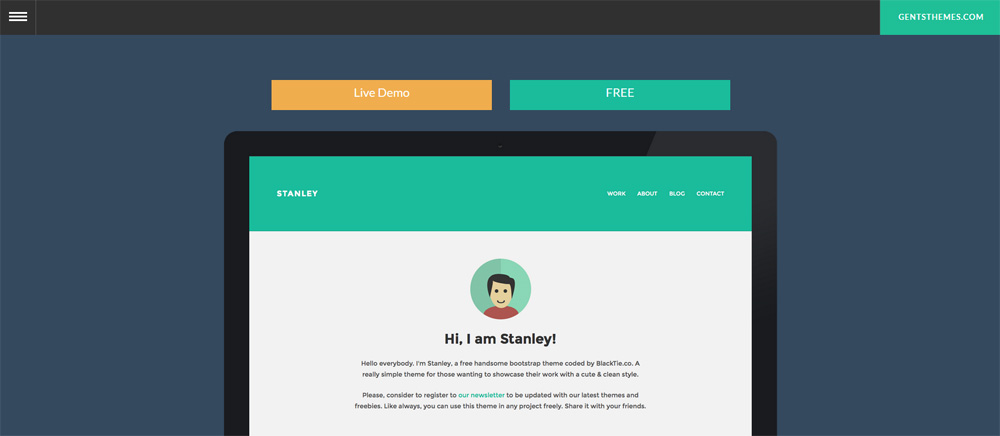
This is a style of interface design emphasizing the minimum use of stylistic elements that give the illusion of three dimensions. They are drop shadows, gradients, textures and so on. The flat interface is focused on a minimalist use of simple elements, typography, and flat colors. Flat design allows the creation of more streamlined and efficient interfaces. It lets you convey information quicker and easier while making it visually appealing and approachable. What’s more, it makes it easier to design responsive interfaces. With minimal design elements, websites are able to load faster and resize easily, and still, look sharp on high-definition screens.StanleyWP
Use of storytelling
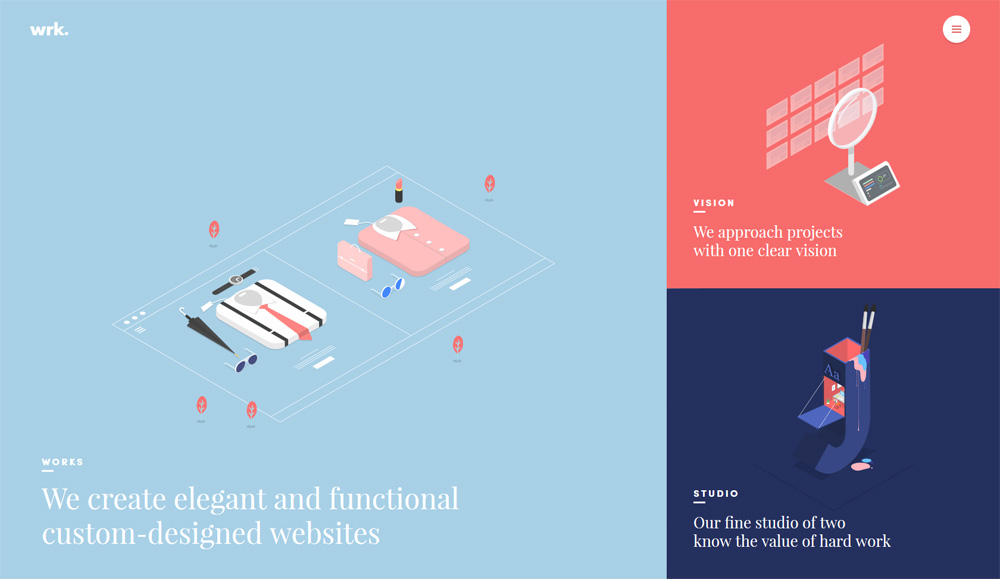
Storytelling is the conveying of information in words, sound, and images, often by improvisation or embellishment. Stories or narratives have been shared in every culture as a means of entertainment, education, cultural preservation and instilling moral values. Crucial elements of stories and storytelling include plot, characters and narrative point of view. Take a look at the French creative web studio’s website, they show their story using the SVG animations. And it looks incredible!Wrk.
Hover/animated effects
Hover / animated effects are mainly done with jQuery or CSS. You can see them when you place your mouse cursor over a button or an image available on the web page. The effects may be different, everything depends on the coder’s skills and imagination. In any case, hover effects breathe life into the static layout, they interact with the user and facilitate website navigation. Use the theme below to try them out, it’s fun!Elevation
Split screens
Split screen is a special display technique in computer graphics that consists of dividing graphics and/or text into non-movable adjacent parts (typically two or four rectangular areas). This is done for simultaneous presentation of the related graphical and textual information on a computer display. Split screen and windowing systems are not the same. The latter allows overlapping and freely movable parts of the screen (the “windows”) to present related, as well as unrelated, application data to the user, while the former conforms more strictly to the description given in the paragraph above. The split screen technique can be used to run two instances of an application, possibly with another user interacting with the other instance as well.Cookware WooCommerce Theme
Outstanding typography
Typography is really essential in setting the tone, theme, and message of a website. It is the art and technique of arranging type. It involves the thoughtful and deliberate selection of typefaces, point size, line length, leading, tracking, kerning, color and any other element that can affect a design. Please note that readability is the primary concern of the designer. In websites, consistency is key in the use of typography. Only a few type fonts can be used safely in websites, assuring that every viewer will see them as the designer intended. BTW, the services like @font-face and Typekit have been developed to allow designers to use a wider variety of fonts in web design.Alexander Engzell
Grid/card layout
Cards displaying content are composed of different elements whose size or supported actions vary. Cards may contain a photo, text, and a link about a single subject. They may display content containing elements of varying size, such as photos with captions of variable length. Card / grid layout is an excellent current means of content presentation. Pinterest is the brightest example of such elements arrangement. Below you will see a free theme illustrating the trend.Stacker Lite
Custom-drawn illustrations
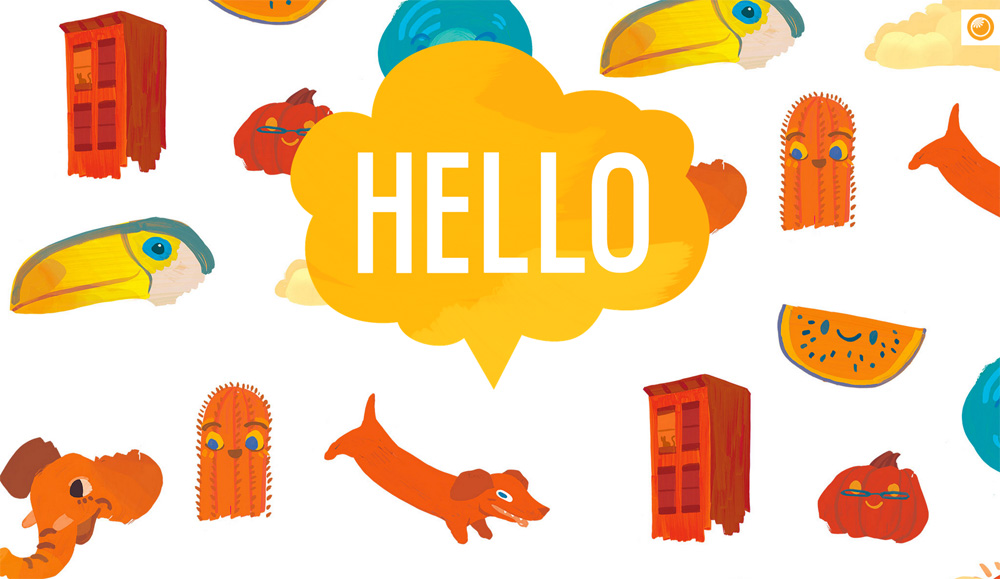
A lot of users rail at the fact that present-day websites are losing their personal character. They become more and more similar. That’s not such a bad tendency from the point of usability as no matter which site you are browsing, you feel at home where everything is familiar to you. Custom-drawn illustrations are a kind of outlet for creative personalities who want to avoid tedious uniform layouts and add a personal touch to their websites.Orange You Glad
Hidden main menus
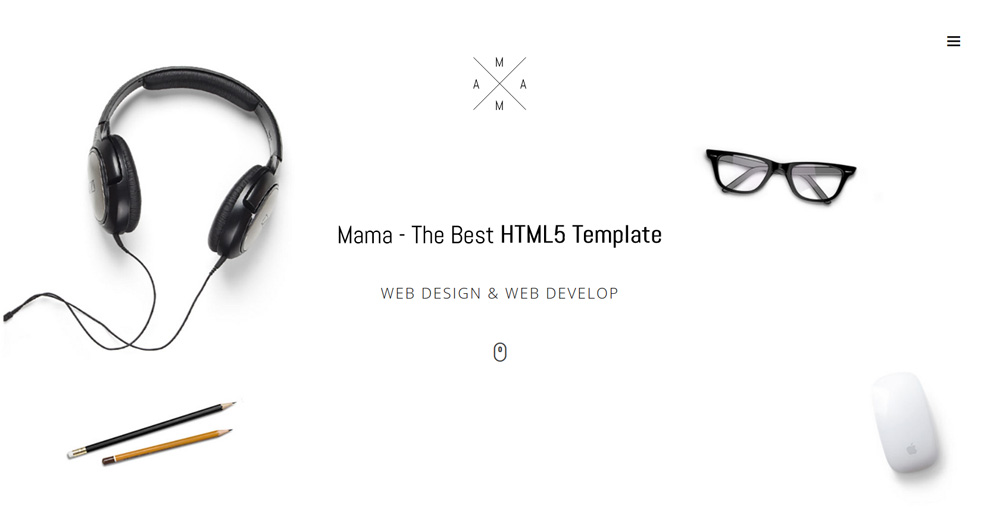
Hidden menus save space on the page and help to keep it clean and minimalist, just as in our example. As a rule, designers use a hamburger icon which helps the user understand where to click to view the menu items. The main menu may fly out on the icon click or even open full-screen.Mama
White space
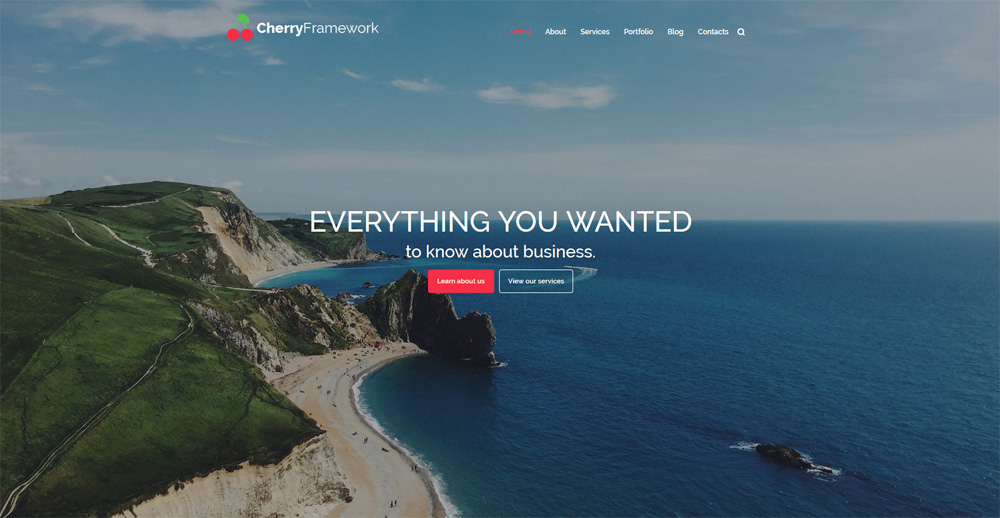
The term is often referred to as “negative” space. In fact, white space is the portion of a page left unfilled: margins, gutters, and space between columns, lines of type, graphics, figures, or objects drawn or depicted. White space should not be considered merely “blank” space. It is an important element of design which enables the objects in it to exist at all; the balance between positive (or not empty) and the use of negative spaces is key to aesthetic composition. A page crammed full of text or graphics with little white space appears cluttered, and is difficult to read. While the masterly use of white space can give the page a classic, elegant, or rich appearance.Cherry Framework Free WordPress Theme
Big background images
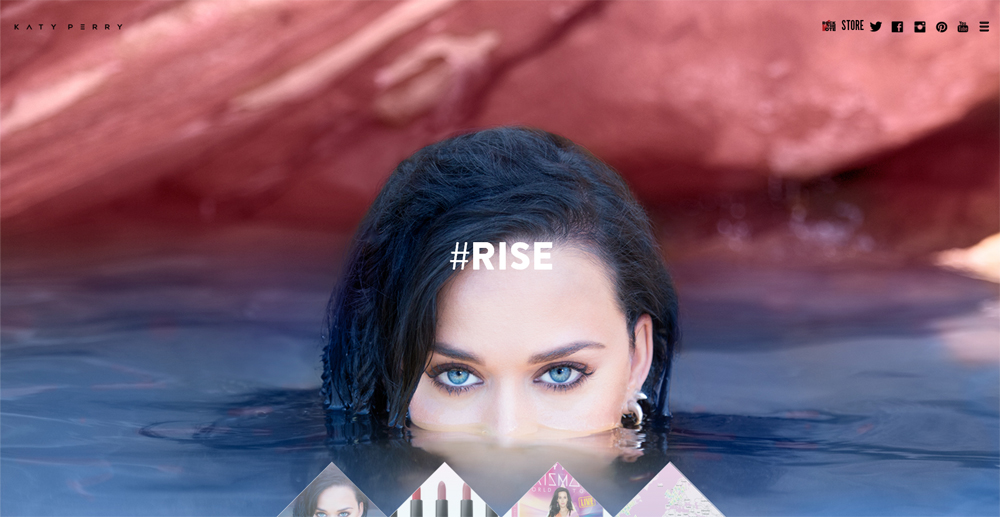
People perceive most of the information with the help of the strongest human sense – their vision. That’s why big HD images are one of the fastest ways to grab a user’s attention. With today’s advances in bandwidth and data compression, users won’t feel uncomfortable due to slow load time. Our example has a full-width background image and a parallax scrolling effect and looks so eye-catching!Lazy loading
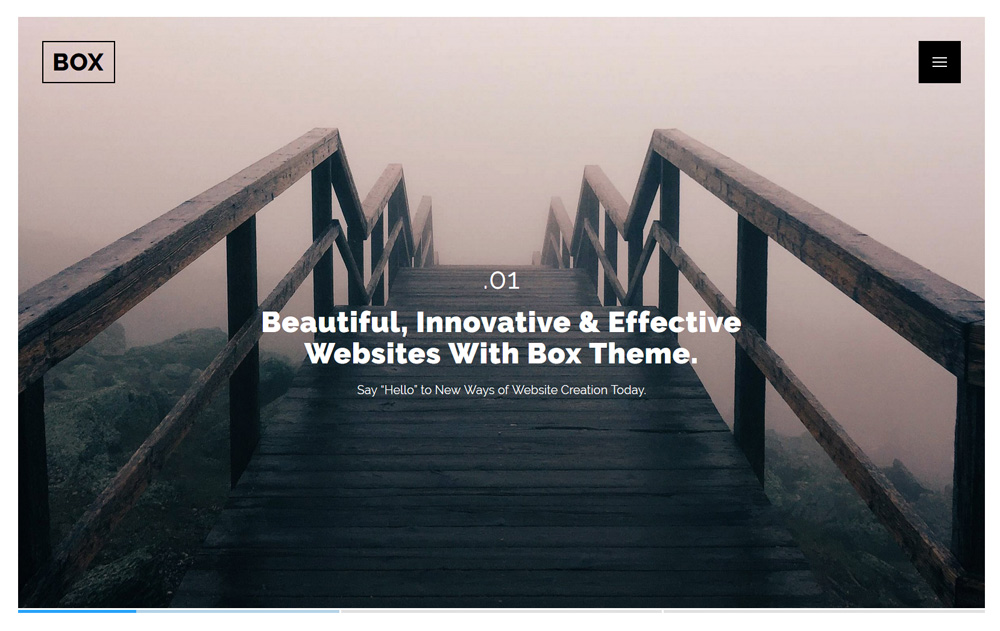
Lazy loading is a design pattern commonly used in computer programming to defer initialization of an object until the point at which it is needed. In other words, text and images are being loaded as the user scrolls down the page. It can contribute to efficiency in the program’s operation if properly and appropriately used. You don’t make your users wait until all your content has loaded as they can see the objects that fit into their screen almost immediately. Lazy loading is extremely useful for websites with long pages.Box
Background video
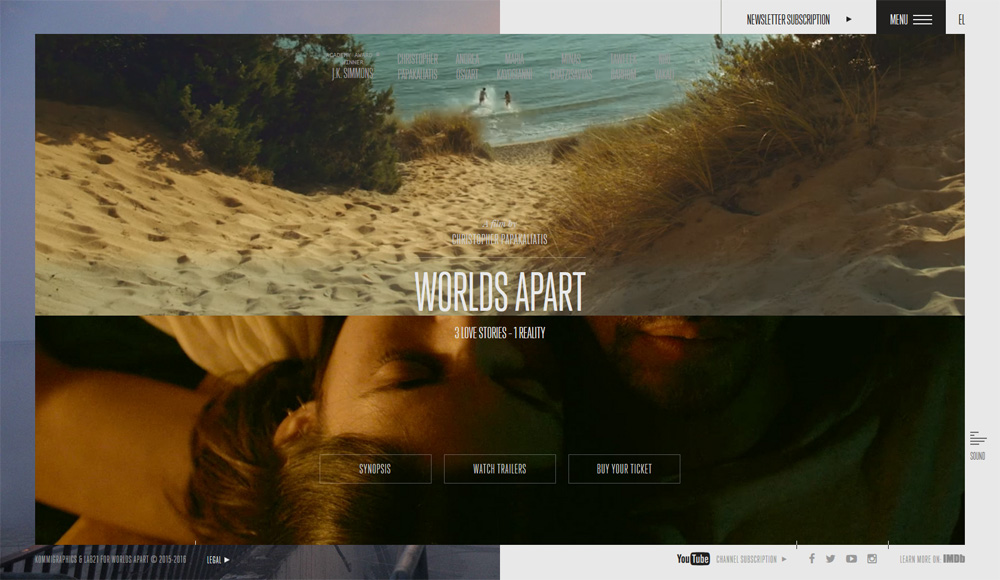
A simple animated background can add visibility to a site, but should be used in moderation or it can be very distracting to the user. The key is to work on individual sections or create a gentle movement of an entire image.Worlds Apart
EmoticonEmoticon